How to Connect Zoom to Eve
Last updated: September 30, 2026
Overview
This article explains how a firm connects its Zoom account to Eve so call recordings from Zoom Contact Center and Zoom Phone are pulled in automatically. Once connected, Eve creates leads from new intake calls and associates calls to existing leads and matters by phone number. Setup is self-service.
Prerequisites
You are an owner of your firm's Zoom account (required to authenticate).
Eve integrates with Zoom Contact Center and Zoom Phone only — not Zoom Meetings.
Step-by-Step Instructions
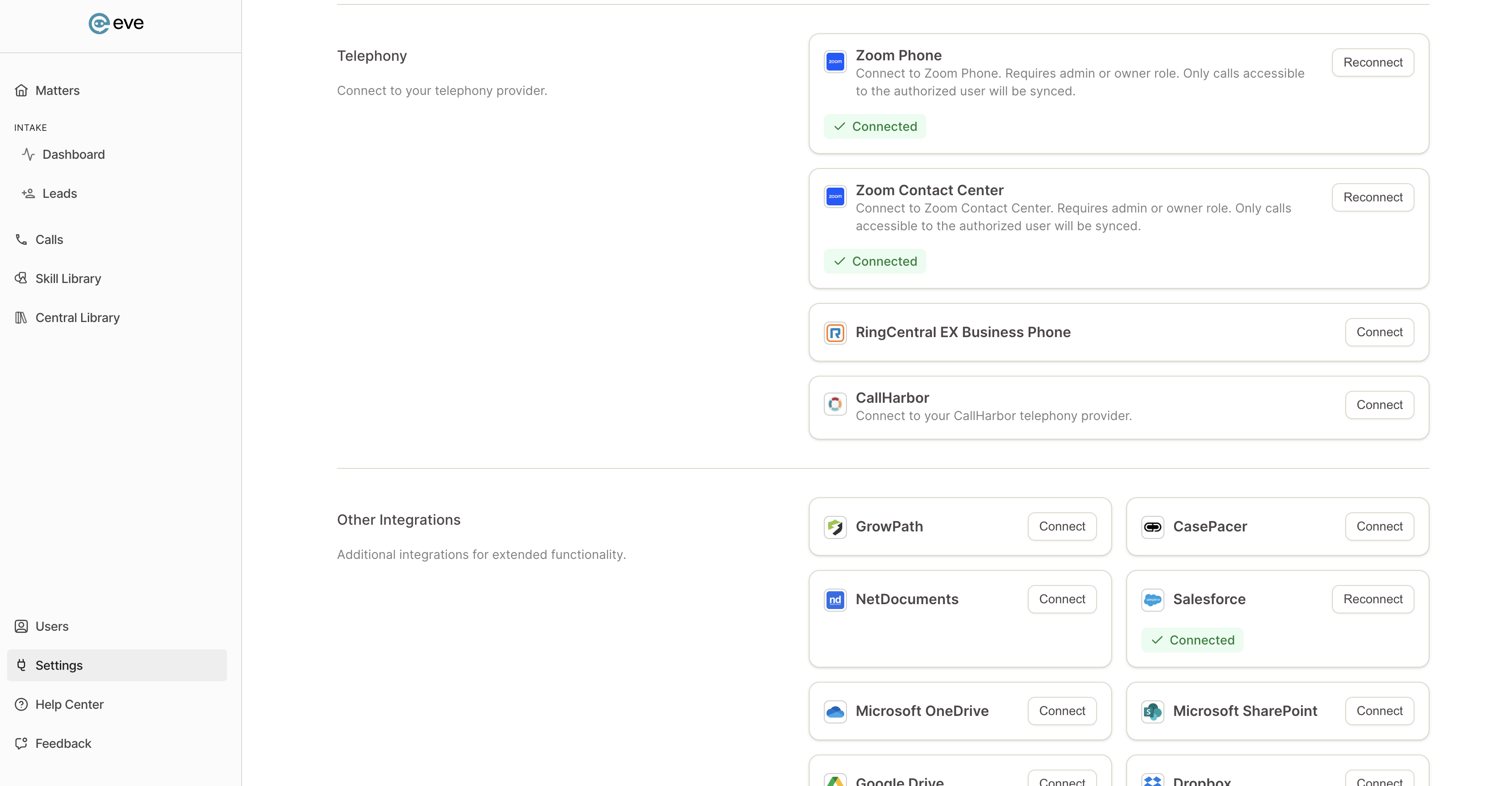
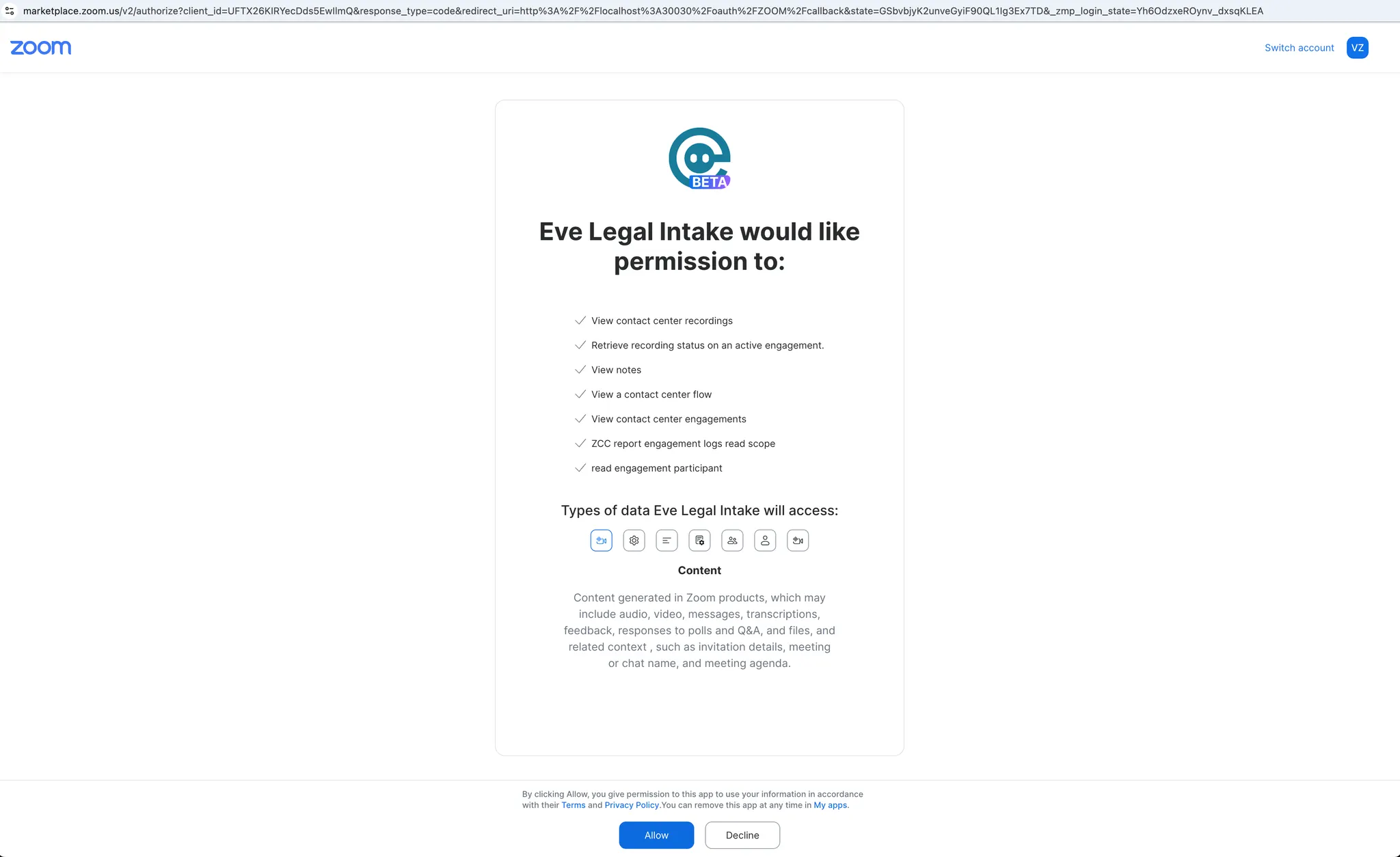
Authenticate with Zoom — In Eve's intake settings, a Zoom account owner authenticates the firm's Zoom account.
Pull your data into Eve — Once authenticated, connect with two clicks to begin pulling call recordings into Eve.
Connect the second Zoom product if needed — If your firm uses both Zoom Phone and Zoom Contact Center, connect each one separately. Both must be on the same Zoom account.