How to Connect RingCentral to Eve
Last updated: September 30, 2026
Overview
This article explains how a firm connects RingCentral EX to Eve so call recordings are pulled in automatically, creating leads from new intakes and associating calls to leads and matters by phone number. Eve integrates with RingCentral EX only — not RingCentral CX, RingCX, or Ring Contact Center. Because RingCentral EX delivers mono (single-channel) audio, transcript speaker labels for these recordings may be less accurate than for systems that provide multi-channel audio.
Prerequisites
The RingCentral integration has been enabled for your firm by Eve (handled during setup).
The firm user setting up the integration is an admin in RingCentral.
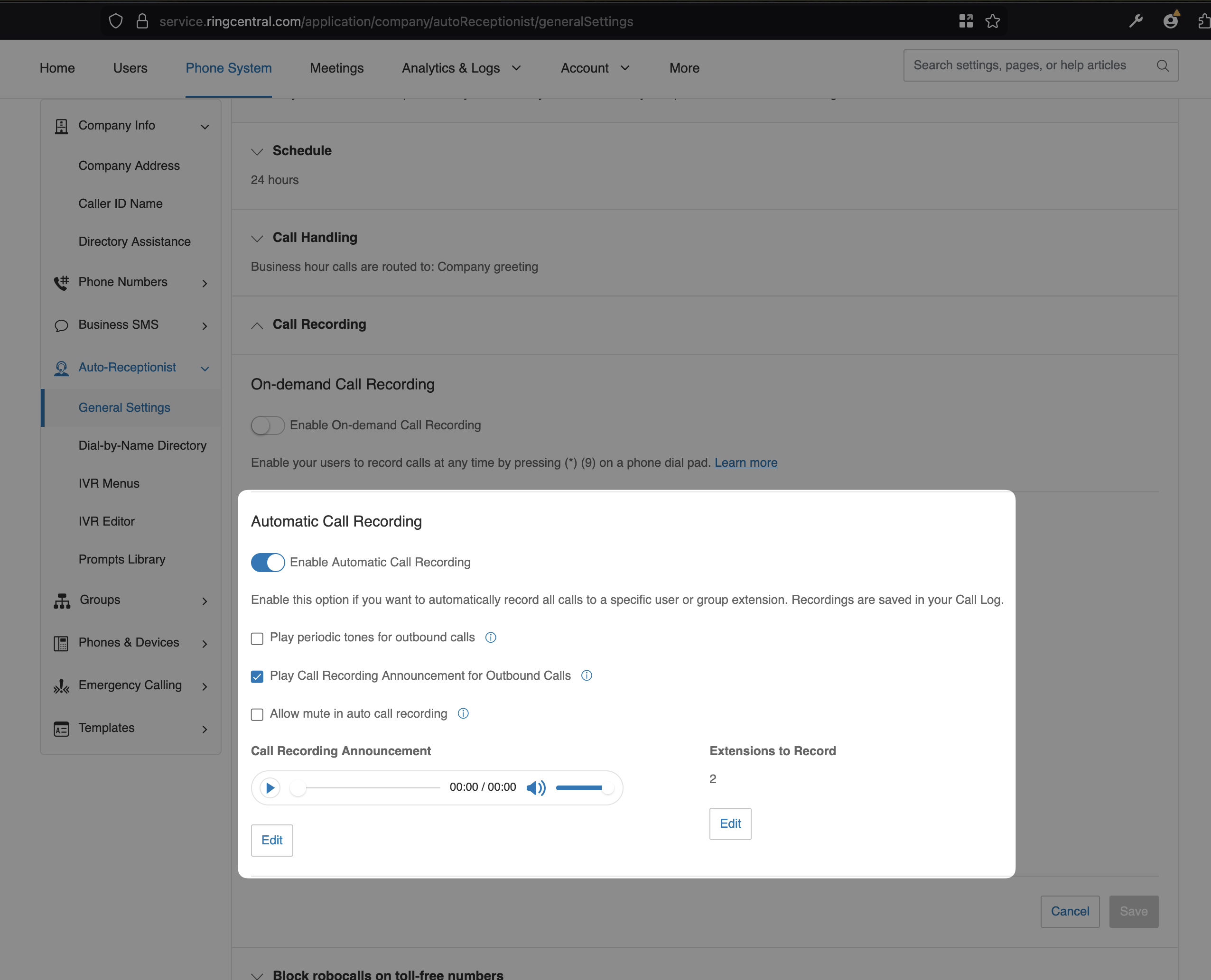
Calls must be recorded — Eve only ingests recorded calls. Automatic Call Recording (available on RingCentral Advanced and Ultra plans) is the easiest option; firms can also record calls manually or enable recording on specific extensions.
Step-by-Step Instructions
Create a JWT token for Eve — As a RingCentral admin, open the RingCentral Developer console's credential-creation page, set the label to Eve, click Add App, then click Create JWT.
Copy the API key — Copy the resulting API key (this is the JWT — not the client ID).
Add the API key in Eve — In Eve's intake settings, paste the API key.
Wait for call discovery — Once the key is added, configuration is complete and a 7-day call discovery begins. Depending on call volume, this can take a few minutes.