How to Create a Custom Research Collection in Eve
Last updated: June 11, 2026
Overview
This article shows firm administrators how to create a custom Research Collection so Eve searches a specific list of websites your team trusts. Custom collections are useful for practice-area sources—for example, a VA resources collection for an SSD practice, or a set of state agency websites for a particular litigation focus. Once created, a custom collection appears alongside the built-in collections in the source selector for everyone at your firm.
Prerequisites
Firm Admin role in Eve
Eve Research enabled for your firm (see 📄 How to Enable Eve Research)
Step-by-Step Instructions
Open Settings > Research — In Eve, go to Settings and select Research.
Create a custom collection — Choose to create a custom collection, then add a name and a list of domains that define which websites Eve should search for that collection.
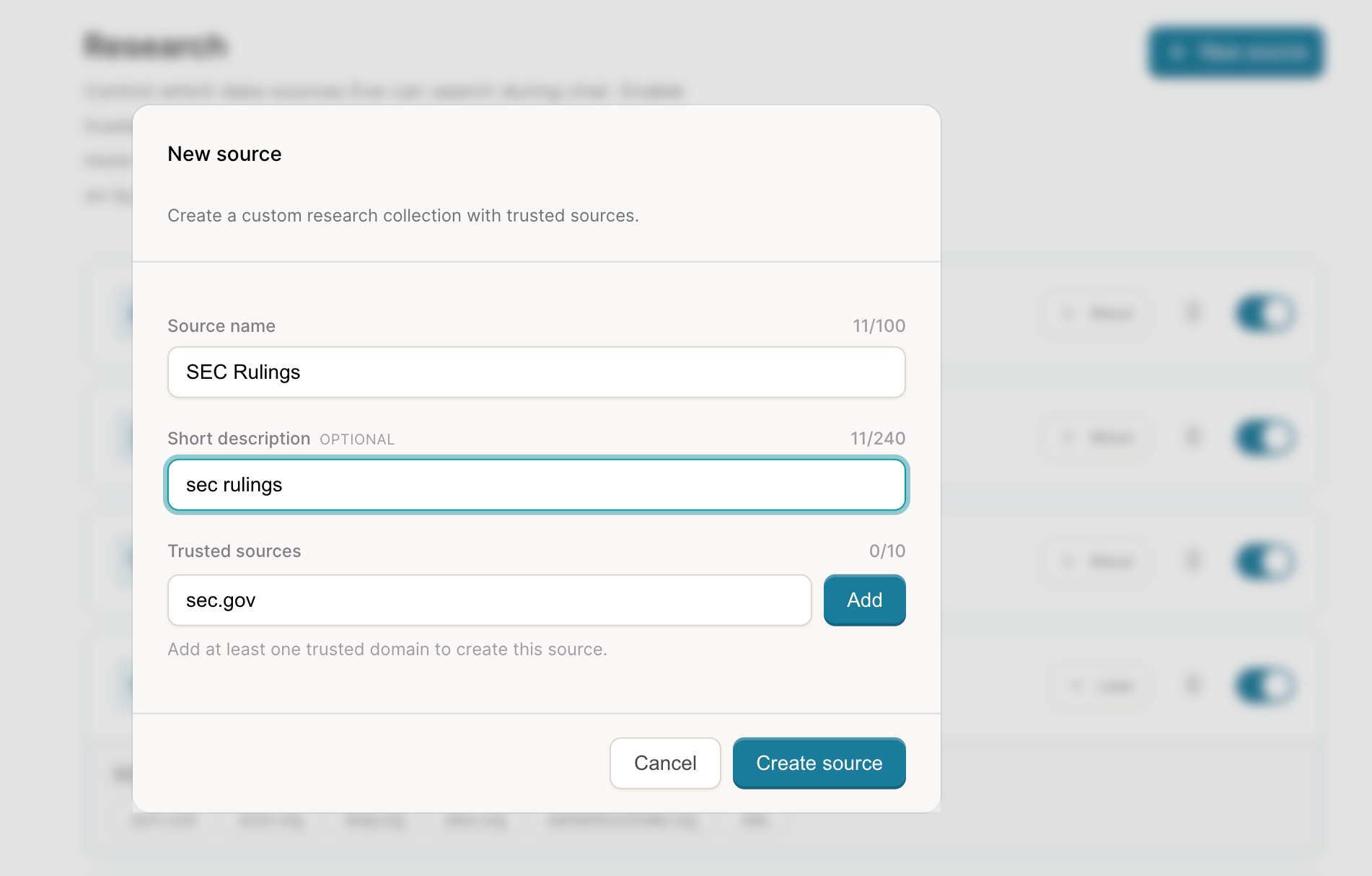
Save and confirm it appears — Save the collection. It now appears in the source selector in every chat session for all users at your firm, ready to select before asking a question.