How to Activate Your Eve Account
Last updated: July 7, 2026
Overview
This article walks you through activating your Eve account after your firm joins the platform. You'll learn how to access the activation email, choose your authentication method, and log in to Eve for the first time. This guide is for new users receiving their initial welcome email from Eve.
Prerequisites
Your firm must have an active Eve subscription
You must have received a "You've been invited to join Eve!" email at your work email address
Step-by-Step Instructions
Locate Your Welcome Email — Open the "Welcome to Eve" email sent to your work email address after your firm joins Eve. This email contains your unique activation link. If you don't see it in your inbox, check your spam or junk folder.
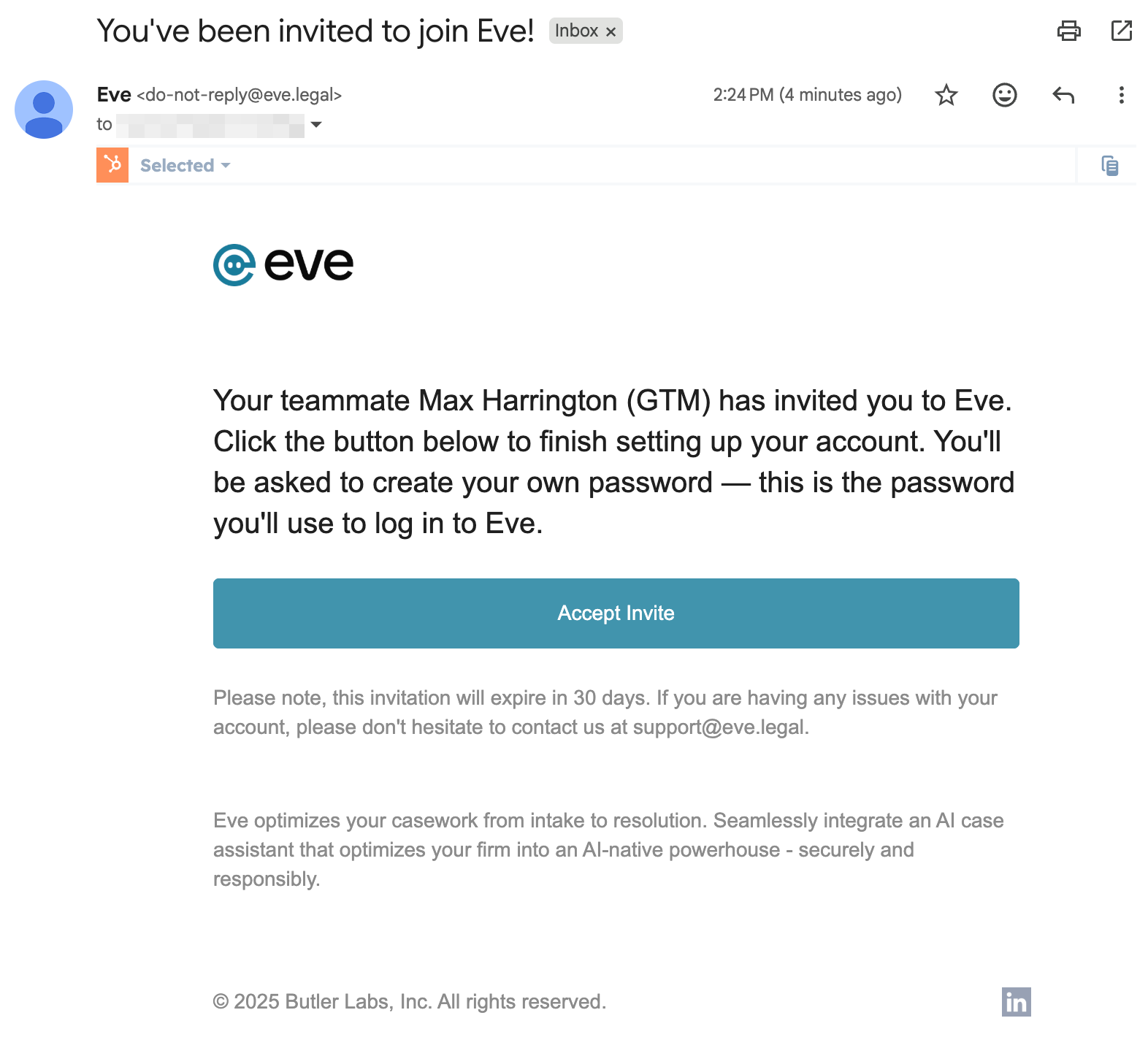
Click the Invitation Link — Click the "Accept Invite" link in your email. This will take you to a page to set up your account in Eve. Select one of two options to secure your account:
- Create a password: Enter a password that matches the provided password requirements. You'll use this password along with your email address to log in to Eve.
- Continue with Google: Use your Google account for Single Sign-On (SSO). This option allows you to log in with one click using your existing Google credentials in future sessions.
Be sure to remember which option you select! You'll use this option to log into Eve each time.
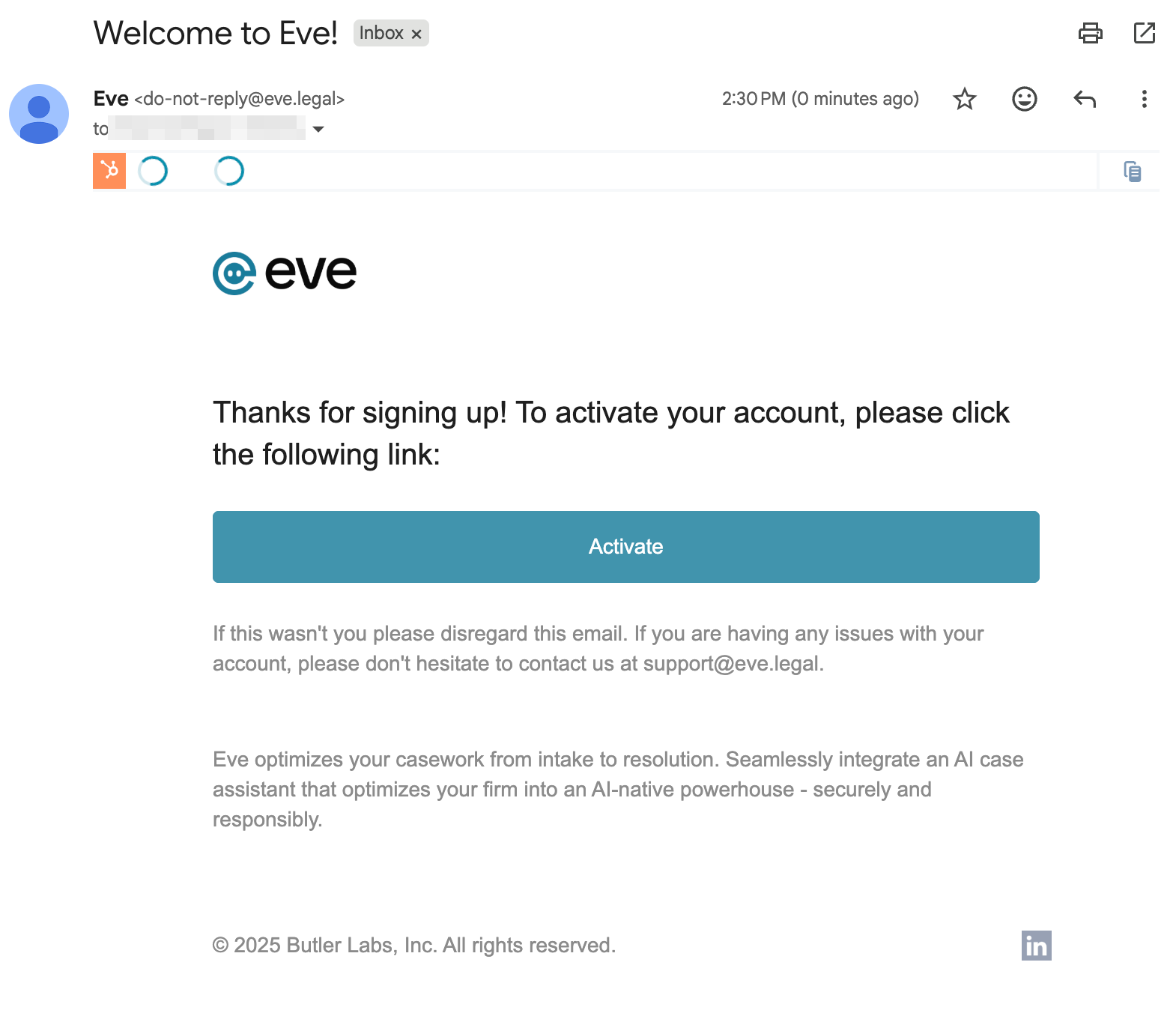
Activate Your Account — Click the "Activate" button in the second email you receive to activate your account.
Access Your Eve Homepage — After setting up your authentication, you'll be automatically logged in and directed to your Eve homepage at app.eve.legal. Bookmark this URL for easy access in the future.